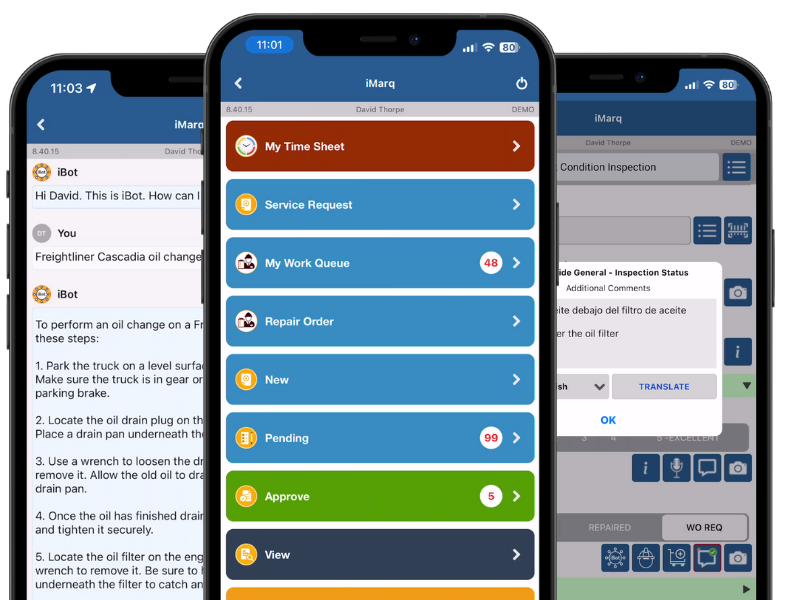
iMarq connects directly to BlackBerry Radar asset tracking to turn impact events, temperature excursions, and sensor alerts into assigned, tracked, and closed work orders — automatically syncing back to Radar and your CMMS or EAM.
BlackBerry Radar gives fleets reliable, near real-time visibility into trailers, chassis, containers, and railcars — location, cargo status, temperature, impact events, and more. The alert reaches the dashboard the moment it happens. But turning that alert into a repair still often means a phone call, a paper work order, and no way to track resolution — a CMMS or EAM that has no idea work was even performed, and a scramble when an audit comes around.
Connixt iMarq bridges that gap. Through a direct API integration, Radar-generated alerts — impact events, temperature excursions, door anomalies, geofence exits, and device health issues — automatically trigger work orders in iMarq, complete with the asset's location, putting live, actionable work in the hands of technicians on their iOS or Android device. Completion updates sync back to Radar to close the alert, and to your backend CMMS, EAM, or ERP.
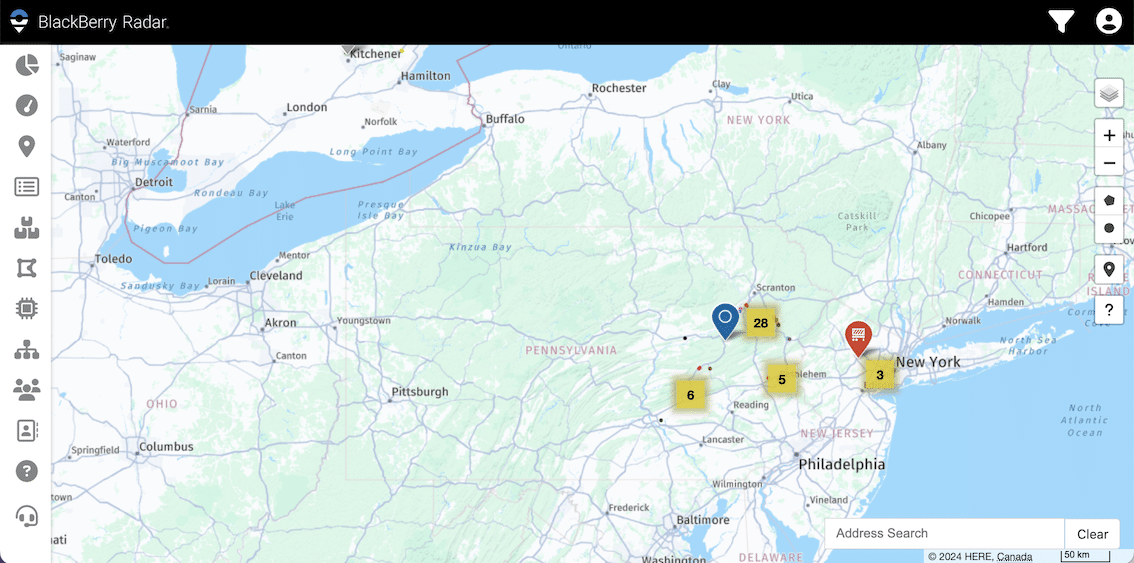
BlackBerry Radar continuously monitors your assets in the field. iMarq picks up from there — ensuring every alert is tracked, repaired, and confirmed, with full visibility returned to the fleet manager and the asset record.
1
An impact, temperature excursion, door anomaly, or geofence exit is flagged in real time, along with the asset's exact GPS location.
2
The alert instantly creates a work request in iMarq. No phone calls, no paper — the technician receives the job on their mobile device.
3
Labor, parts, photos, and sign-offs are captured in the field. Your CMMS, EAM, or ERP is updated automatically.
4
Completion status syncs back to Radar. Managers have a full audit trail. Compliance documentation is ready on demand.
Every event flagged in Radar creates a record in iMarq. Nothing is lost in a handoff, forgotten on a sticky note, or left open without resolution.
When an alert fires, the team knows it's been received, assigned, and resolved — without following up between the tracking dashboard and the shop.
Audit trails are generated automatically. Every alert, every repair, every sign-off — timestamped and linked, ready to pull as a report.
When an alert is logged in Radar, iMarq captures the asset's GPS location at that moment — critical for roadside issues and dispatch decisions.
Radar tells you what's happening with your assets. Your CMMS or EAM — Trimble TMT, Maximo, SAP, or others — holds your maintenance history, parts inventory, and compliance records. But without a bridge between them, tracking data stays in the operations silo and maintenance stays reactive.
iMarq is that bridge. Impact events become inspection work orders. Temperature excursions trigger refrigeration checks. Dwell anomalies flag possible breakdowns. And every completion flows back — updating Radar, your CMMS, and your compliance record simultaneously.

G-force readings above threshold automatically generate a prioritized inspection work order in iMarq.
Sustained excursions outside range trigger a refrigeration or seal-integrity work order.
Unscheduled door activity or geofence exits create a maintenance work request with location pre-populated.
Failing devices and extended, unplanned dwell time open a service order before visibility is lost.
Repair completion and sign-off syncs back to Radar in real time, closing the alert and updating asset status.
Labor, parts, photos, and inspection results post to your backend system, keeping one source of truth.
Missed alerts sitting unanswered in a dashboard
Typical deployment time, zero training curve
Paperless operations achievable with iMarq
Audit-ready compliance documentation
The Isaac integration unlocks iMarq's core maintenance engine. The platform goes further — covering every aspect of field maintenance operations. Explore what else iMarq brings to your team:
Tell us your organizations landscape today, send us your documents and business processes and we'll set you up with a tailored instance of iMarq!
to live deployment
in the field
to your processes and systems