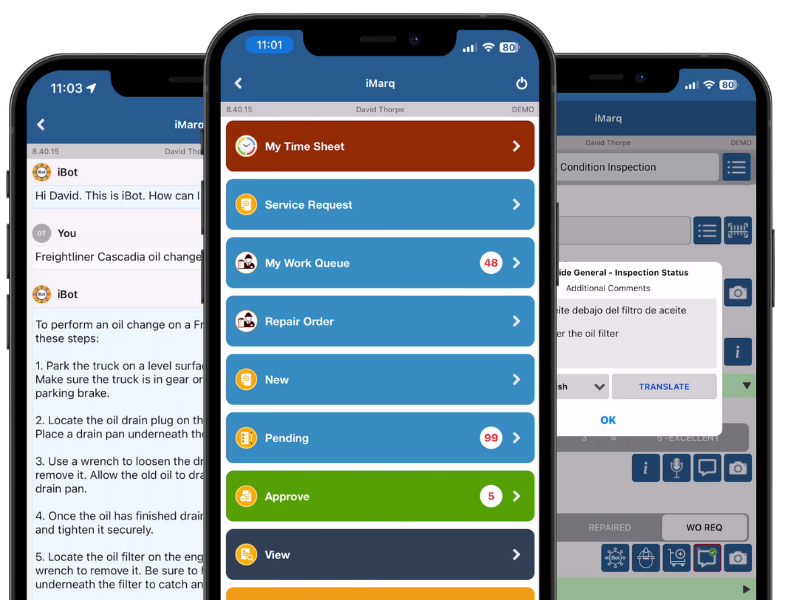
"User Roles lets an administrator define what a person can see and do inside iMarq based on their role, technician, supervisor, compliance officer, or admin, rather than giving everyone the same access. Roles can be scoped by module, location, or asset type depending on how a customer's organization is structured. Because access itself follows a defined role, it becomes something that can be reported on, useful for demonstrating separation of duties during a compliance review, and it ties directly into who is permitted to approve or sign off within Approvals."
Track the location, condition, and service history of every asset in real time, with an independent record even when a third party does the maintenance.
Digitize any form, checklist, or process, with validations, conditional logic, and back-end checks built in
Track the full lifecycle of every tire by position and inspection history, catching wear and cost issues before they become downtime.
Tell us your organizations landscape today, send us your documents and business processes and we'll set you up with a tailored instance of iMarq!
to live deployment
in the field
to your processes and systems