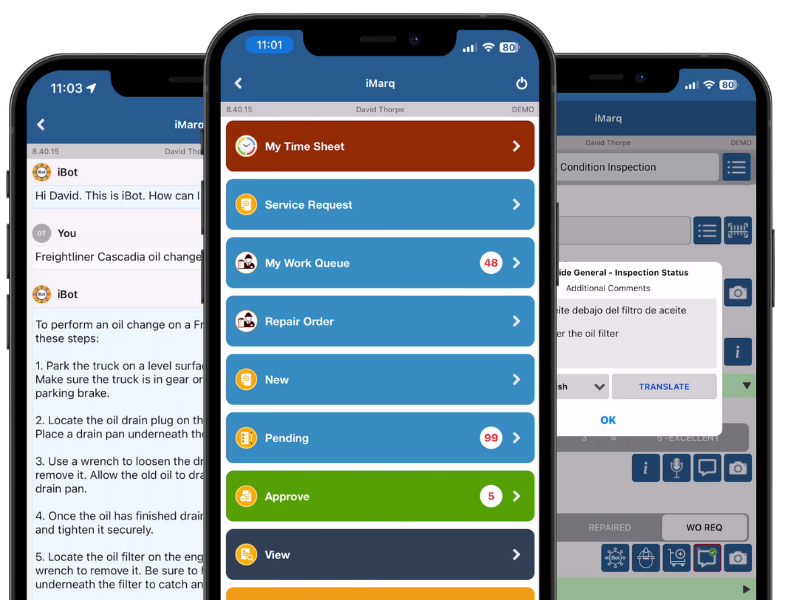
File Upload on mobile is built for the field side of the workflow. A technician can capture an audio recording, a photo, or a video directly from the iMarq app and attach it to the inspection or work order they are completing, without needing a separate camera or recorder. This captures the kind of evidence that is hardest to convey in text alone, the sound of a failing component, a walkthrough video of a job site, or a photo of a defect, all tied directly to the record it documents.
Track time, materials, and labor against every job for accurate costing, faster invoicing, and complete visibility into what a repair actually took.
Create, assign, and complete work orders from one mobile workflow, enriched with photos and audio, with materials and time captured as the work happens and sync
Digitize any form, checklist, or process, with validations, conditional logic, and back-end checks built in
Tell us your organizations landscape today, send us your documents and business processes and we'll set you up with a tailored instance of iMarq!
to live deployment
in the field
to your processes and systems